Quick start guide
A fast, clean walkthrough to get you using Octopus AI inside Microsoft Teams.
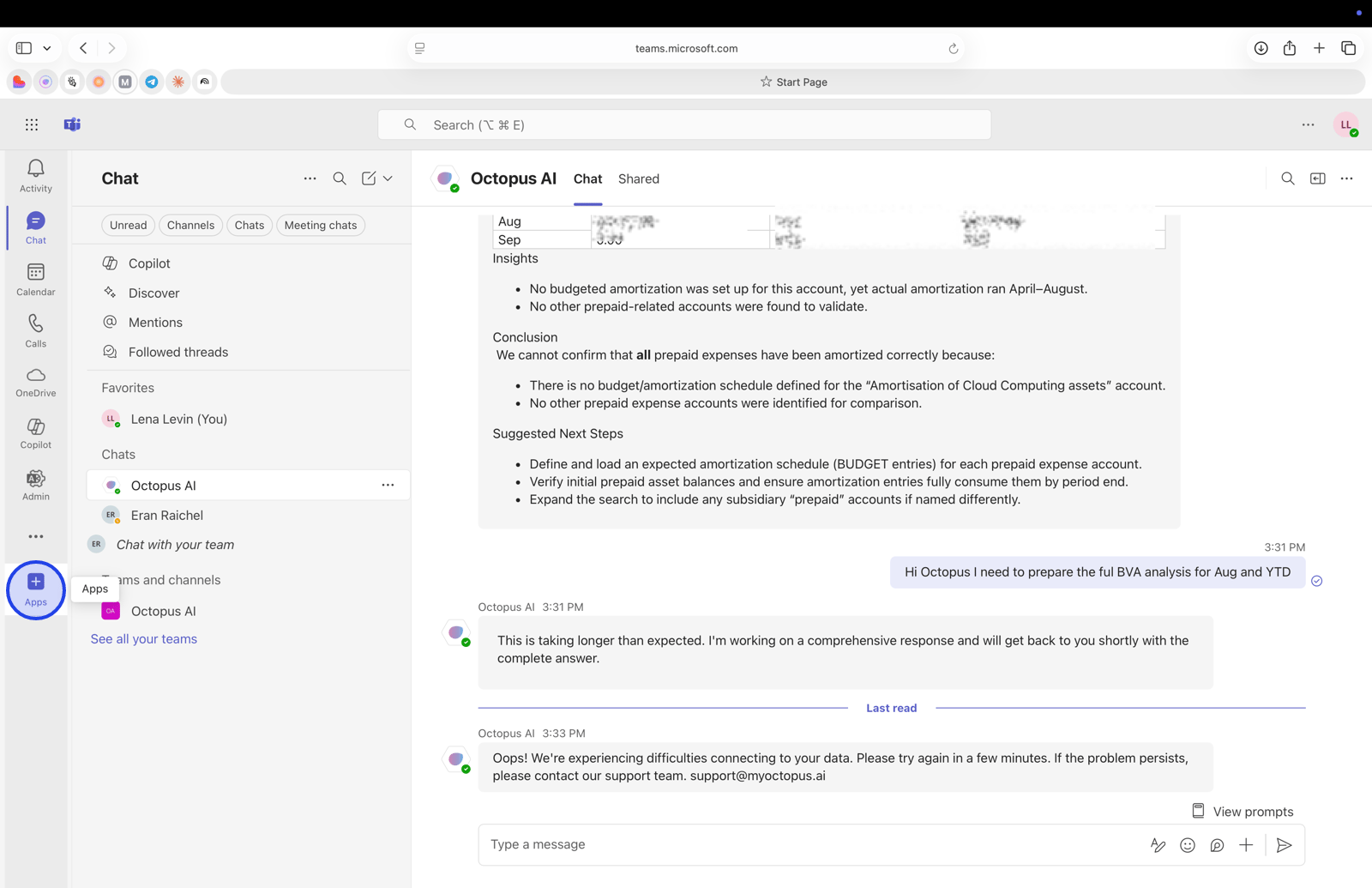
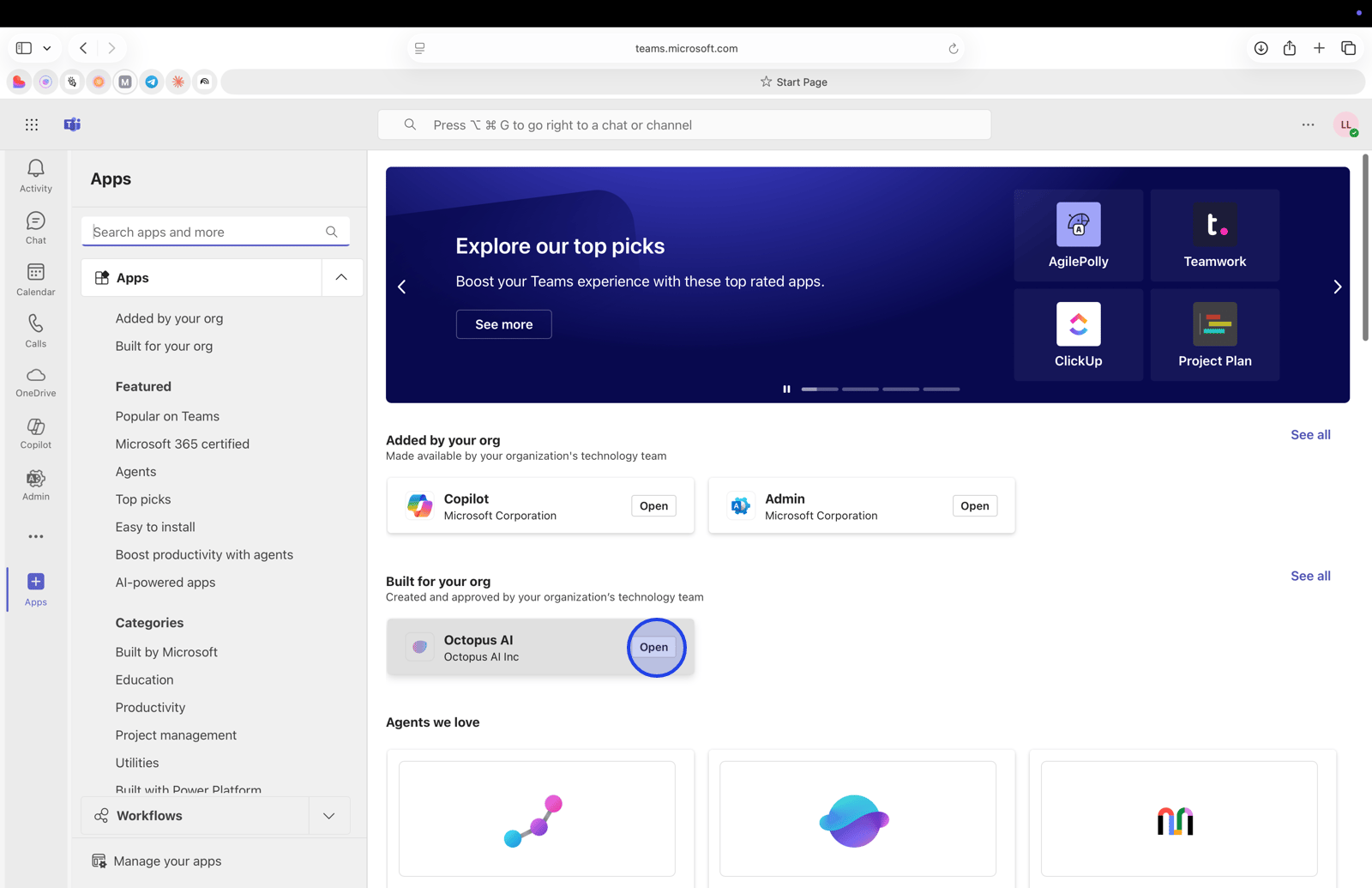
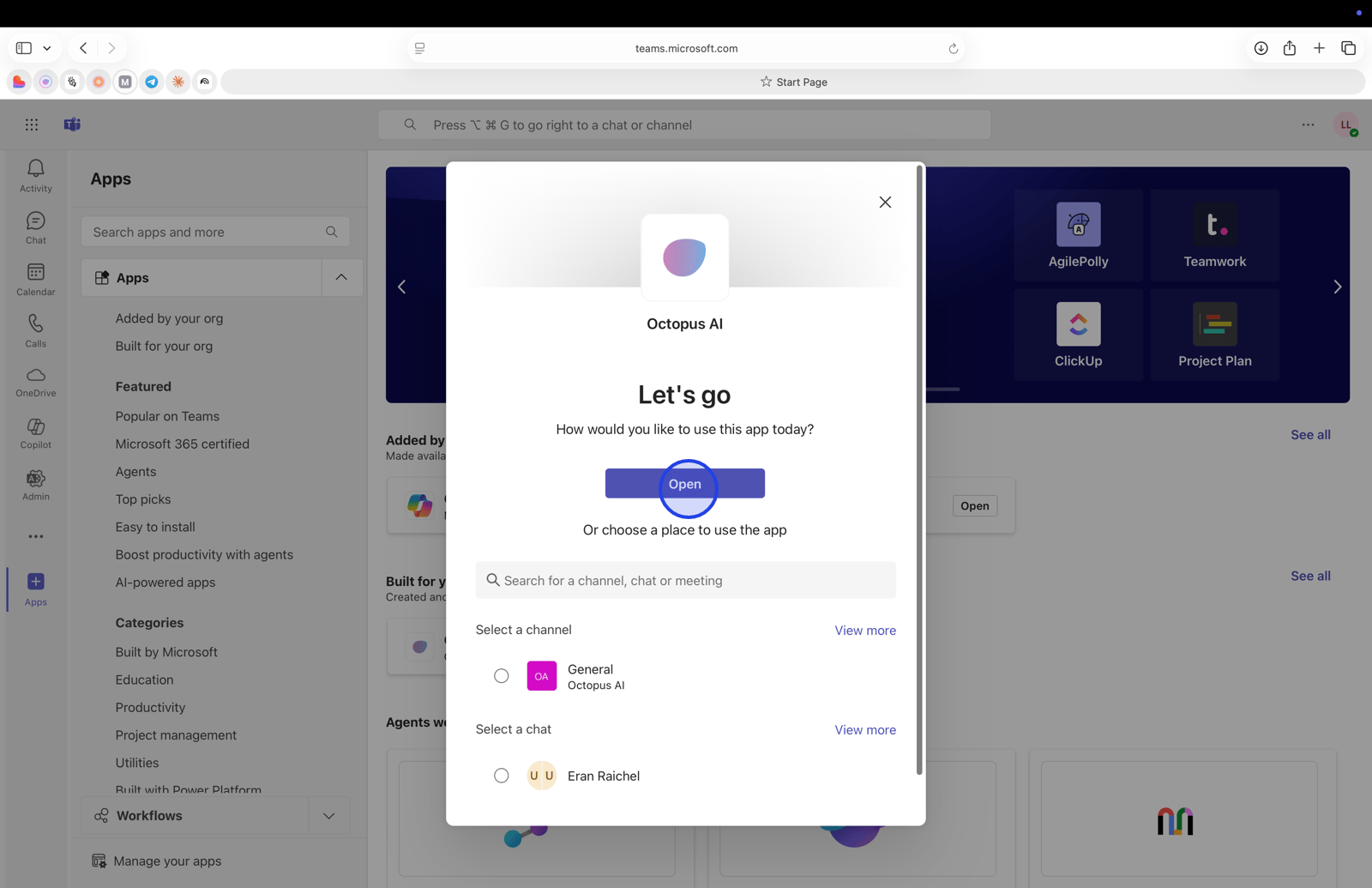
Access Octopus AI in Teams
- Open Microsoft Teams from your desktop or web.
- Find Octopus AI in the left sidebar apps list. Pin it for quick access.
Open Teams and locate Octopus AI
<aside>
💡
Tip
Pin Octopus AI in Teams: right‑click the app in your sidebar and choose Pin so it’s always one click away.
</aside>
Start a conversation
- Click into the chat input to begin.
- Ask a question in plain language. Example: “Summarize OPEX variances for September.”
Select the chat input
Ask your finance question
- Be specific about the time period, level of detail, and any filters.
- Examples
- “Create a BVA for Q3 by cost center.”
- “Show trend breaks in marketing spend last 90 days.”
- “Draft an executive summary of forecast accuracy vs. plan.”
Type your question